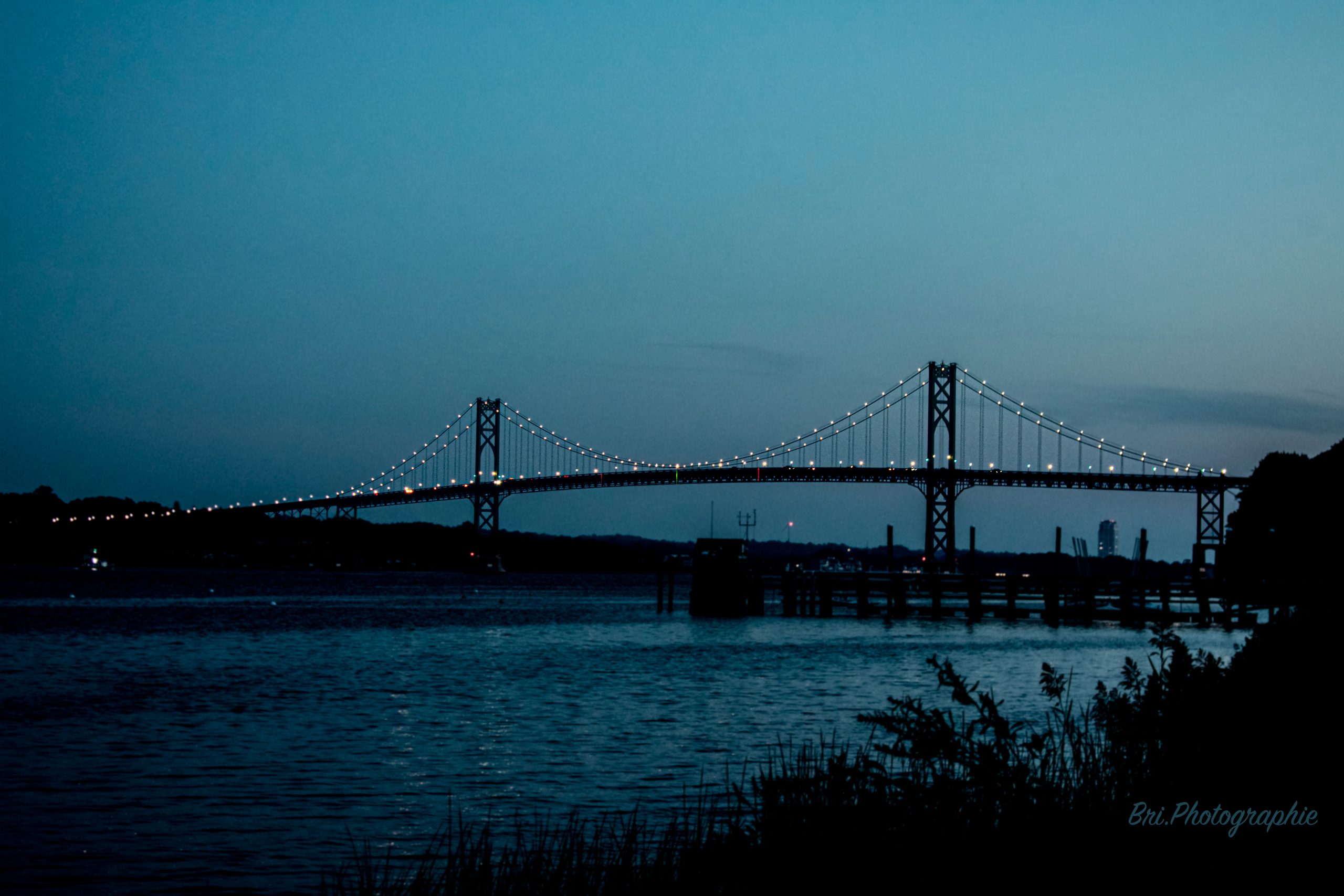
So far in class we have discussed the definitions of analogue and digital, and what constitutes each, as well as examples of each. One topic we discussed in relation to analogue and digital technologies and signals is how they pick up noise, and how each system of information processing deals with noise. I find this interesting because I can relate it to my hobby of photography, where most of the time, the goal is to reduce the amount of noise in a photograph. Noise in photos is usually due to a lack of light, and therefore a lack of visual information for the camera to pick up. This creates a blurry and grainy image, as the camera has to guess what color to fill in pixels where there wasn’t enough light for it to pick anything up. An amazing fix to this occurrence can be an AI denoise tool in Adobe Photoshop, which uses AI to look at the colors of each pixel, and make them more consistent. This works very well and can really improve the quality of some pictures, but depending on the subject, the result looks too unrealistic or too blurry anyways. The best result I have gotten from this was of a picture of the Mt. Hope Bridge just after sunset, where the AI denoise was able to soften the sky, which was where most of the noise was most visible, creating a more realistic and pleasing picture. If you zoom in on the bridge suspension wires in the referenced image below, you can see the noise from the original picture and the difference in the sky above the bridge, as I only used the AI denoise on the sky above the bridge.